
October 23, 2013 08:41 by
 andry
andry
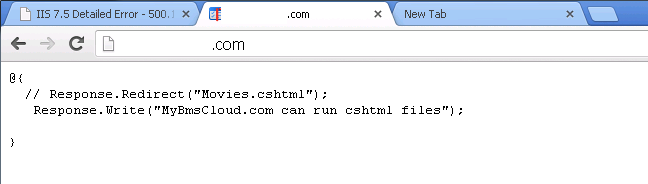
There are many way to create a website, one of them is creating a website using WebMatrix. To install WebMatrix on your local computer, you need mysql and mysql connector installer. Please install all on your local computer. This is very important if you later install a web application that uses mysql database e.g wordpress. After you install mysql, please configure your mysql password root.if wrongly configure, then the error will appear as below.
After configuring mysql, then install WebMatrix on your local computer. Below is a screenshot of WebMatrix after install.
To install WordPress using WebMatrix, choose "New" -> "App Gallery" -> choose "wordpress icon" and "next" -> "I accept". Wait for installing wordpress. If wordpress have successfully installed, will appear like this.
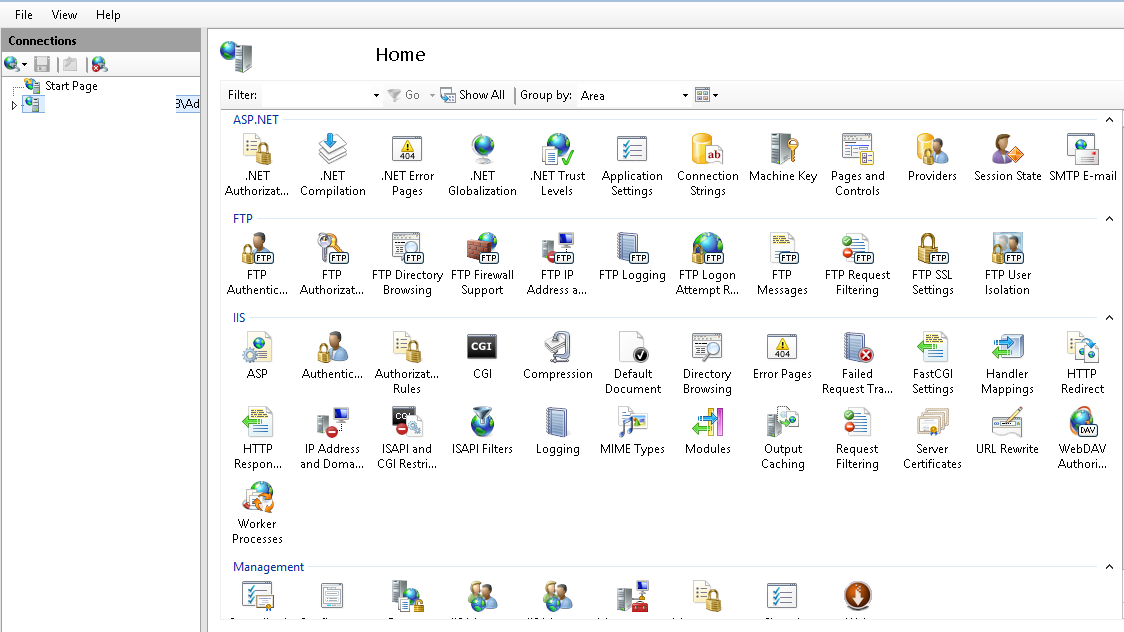
Click “Ok”. And wordpress successfully installed on your local computer. Now we will publish wordpress to the server. Here is how to publish wordpress.
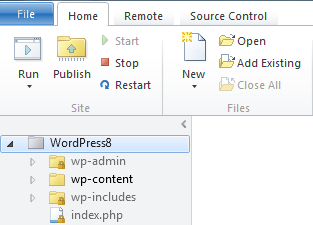
Go to “remote”-> “settings” -> “enter settings”. Fill in the following details.
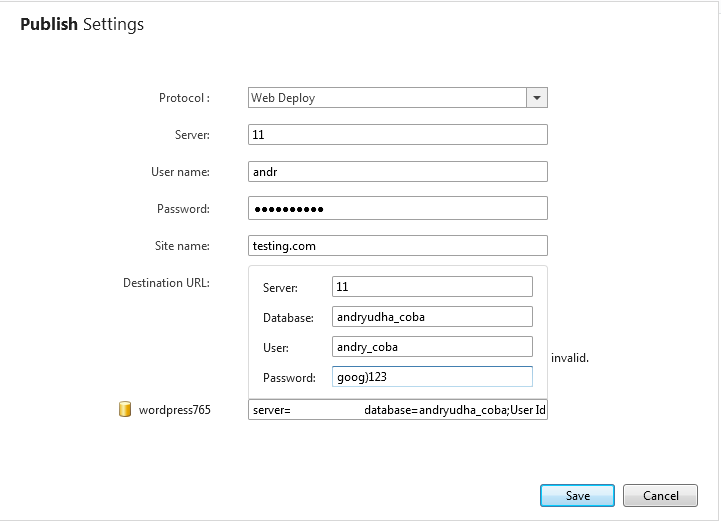
After the validation test connection. If successful you will see "connected succesfully". Click on “Save”. To publish it on the server, On the menu bar, select “Publish” -> On ” Publish compatibility” window, choose "continue" -> "continue" -> on “publish preview” window, tick "delete files on a remote server" and choose "continue" again and let the process run as shown below .

If it appears like this means successful.

Please visit the website and wordpress already active.