October 24, 2013 12:25 by
 andry
andryC# ("C sharp")is HTML webpage file used by Razor, an ASP.NET view engine used for generating Web pages for a user's Web browser; similar to a standard ASP.NET webpage (.ASP or .ASPX file), but uses a slightly different syntax; runs on a Web server, which generates the HTML for the client Web browser; can be programmed with syntax highlighting.
If we build a website that contains .cshtml file, we must enable .cshtml file. At the below, there is an error message if we don’t enable .cshml file.
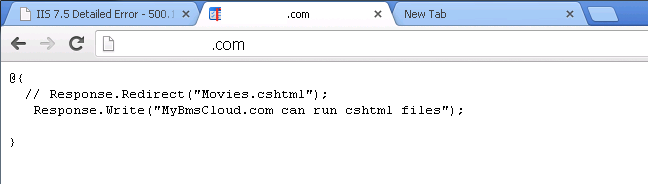
To enable .cshtml file on windows Server 2012, There are steps to solve that problem. Open your IIS.
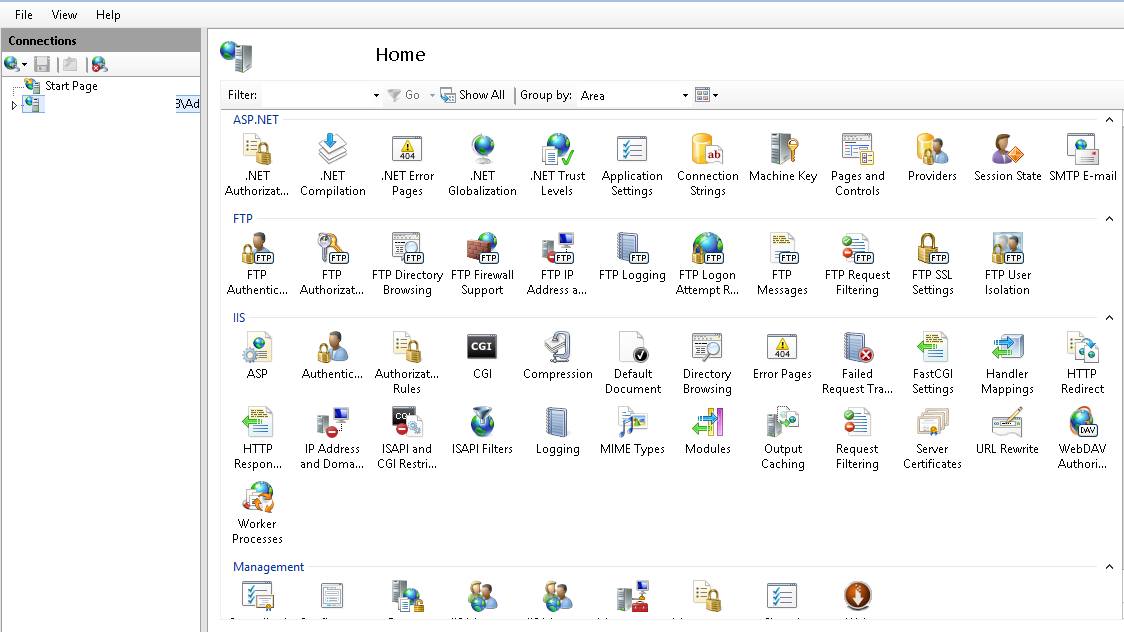
Expand “server”-> “sites” and choose “domain”. Then click on Handler Mapping.
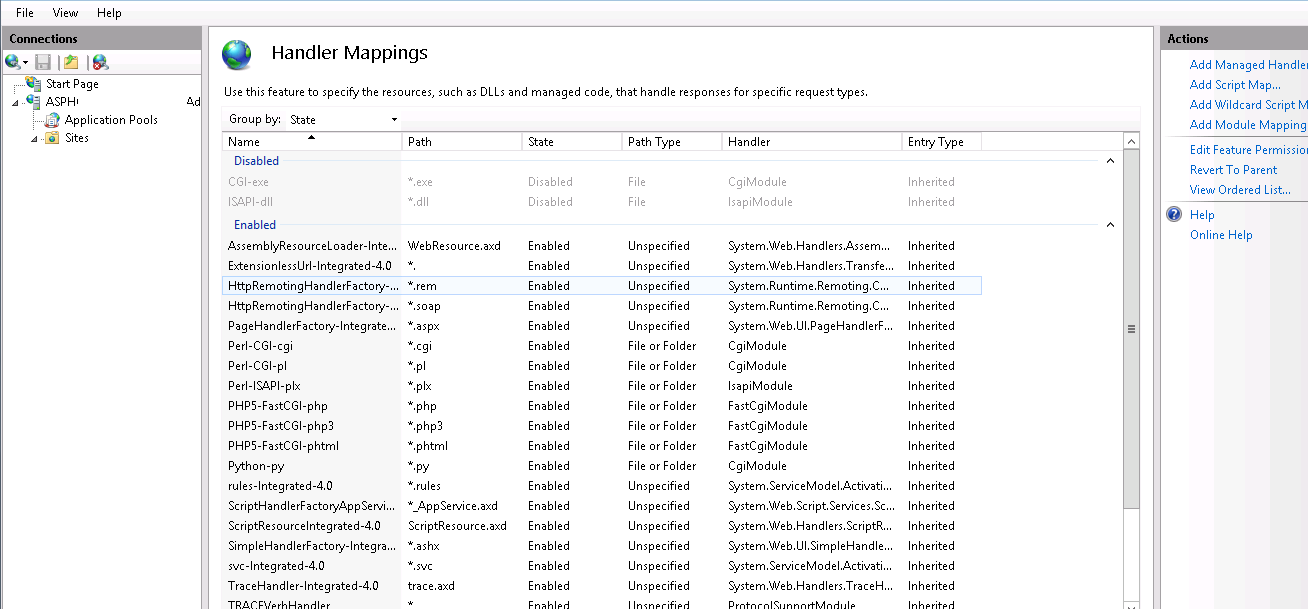
You can't find .cshtml. After that, choose “Revert to Parent” on right tab.
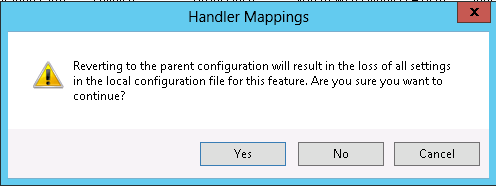
Select "Yes" and Look,what the difference with the previous image.
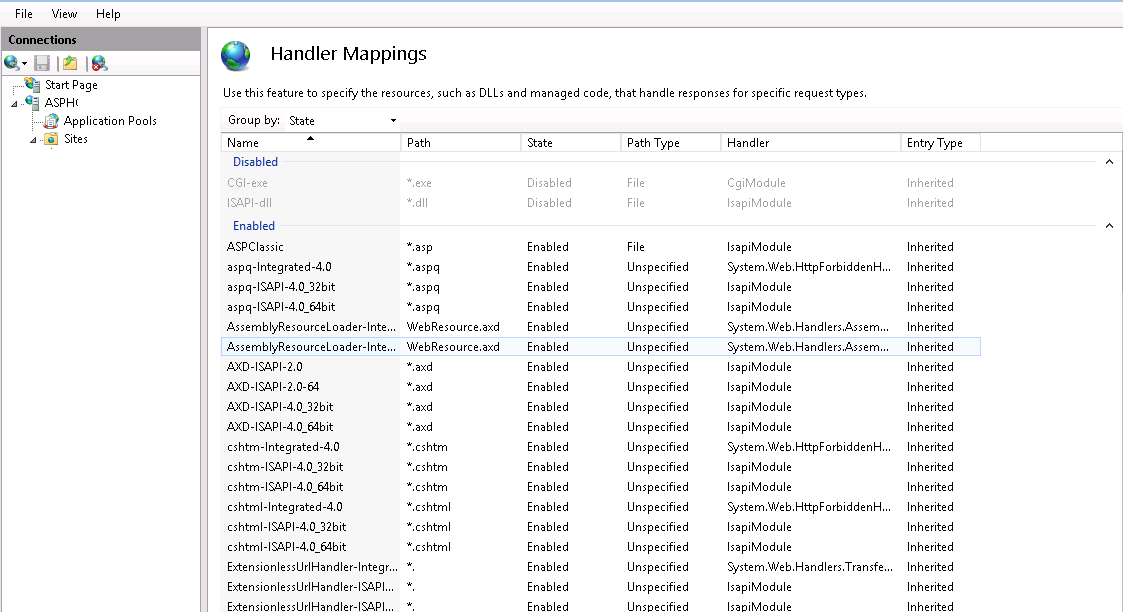
.cshtml file are enable and available. Now browse the domain. If you still can not access and have an error. You should check the .NET version. Remember that .Cshtml file can only be run on .NET version 4 and above.
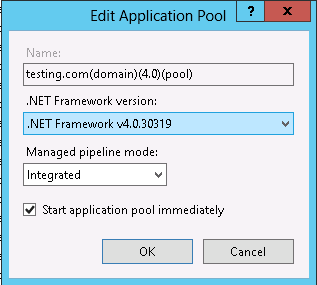
To check the .Net version, select "application pools" -> right click on "domain_name" -> "Basic settings" -> choose .Net 4 version -> "Ok".
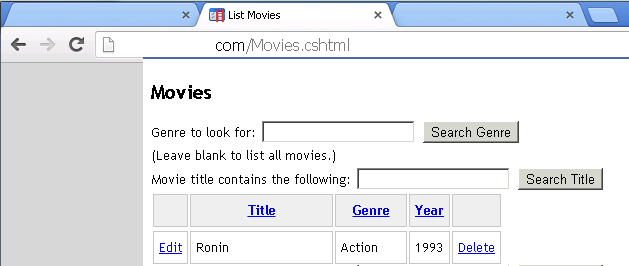
Now you can browse your domain with .cshtml file. Here is screenshot.